
Start with the clue you have
People search websites are useful when they help you verify a person, reconnect safely, or check whether a phone number, username, address, or email fits the story you were given. The best choice is not the site with the biggest promise. It is the one that gives relevant, explainable results without pushing you past privacy or legal limits.
What a good people search site should do

A useful site starts with a clear search path. You should know whether you are searching by name, phone number, email, username, or address before the site asks for payment or extra details.
The result should also be readable. A report that mixes several people with the same name can create more risk than clarity. Look for age range, location, relatives, phone history, address history, and social clues that agree with each other.
Use these tools for ordinary verification, not for stalking, harassment, tenant screening, employment screening, credit decisions, or any purpose that requires a legally compliant background check. A casual lookup is not the same thing as a regulated report.
For an everyday question like an unknown caller or an unfamiliar address, a reverse white pages lookup covers what public listings can and cannot confirm.
Compare features with a checklist
Before you compare brands, compare what each site can actually do with the clue you have. Use the table as a checklist.
| Feature | Why it matters | Question to ask |
|---|---|---|
| Name search | Useful for reconnecting, verifying, and narrowing common names | Can I filter by city, age, relatives, or prior addresses? |
| Reverse phone | Helps with unknown callers and texts | Does it explain spoofing, recycled numbers, and uncertainty? |
| Address search | Connects people to properties or past residences | Does it separate owners, residents, and prior occupants? |
| Online profile clues | Can help with dating, usernames, and public social context | Does it avoid claiming private-profile access it cannot prove? |
| Privacy tools | Helps you control your own listing | Is the opt-out process findable and understandable? |
Best use cases by search type
The right search depends on the clue you have. A name-only search can be broad. A phone number or email address may be more precise. A username can be helpful when a dating profile, marketplace seller, or message thread feels inconsistent.
| What you have | Best first search | What to watch for |
|---|---|---|
| Full name and city | People search | Common names, old locations, mixed records |
| Unknown caller | Reverse phone lookup | Spoofed caller ID or reused numbers |
| Email address | Email lookup | Shared inboxes, aliases, old accounts |
| Dating username | Username search | Copied photos, abandoned profiles, fake names |
| Street address | Address lookup | Former residents and property records |
Why a phone number or email narrows results faster than a common name makes more sense once you see how people search matching works across data sources.
Match the site to the situation
The table above picks the search type. The situations below pick the site: each one rewards a different mix of search inputs, previews, and caution.
Best for unknown callers
When the issue begins with a call or text, choose a tool that handles number-based searches cleanly. You want clues such as possible owner, location, line type, spam signals, and whether the number appears connected to a business or individual.
Be careful with spoofing. A scammer can make caller ID show a number they do not control. A result can tell you about the displayed number, but it cannot prove the caller was truly using it.
If the call involves threats, payment pressure, or identity information, compare what happened with the Federal Trade Commission’s consumer guidance before responding.
Best for reconnecting with someone
For reconnecting, the best tool is one that lets you combine name, age range, old city, school, relatives, or prior addresses without overclaiming. Common names need more context.
The guide to looking up old friends covers a slower, more respectful approach. A search result may help you find a current contact path, but the first message still needs tact.
Do not assume silence means the person did not receive the message. They may not want contact, or the result may be wrong. Respect that.
Best for checking a new contact
A new contractor, buyer, roommate, online seller, or business contact may give you a name, number, and city. A people-search tool can help you see whether those details seem consistent before you meet, send money, or share documents.
Use the lightest check that answers the question. If a phone number and business listing match the person’s story, you may not need a broad report. If the details conflict, slow down and ask for verification through an official channel.
When a transaction involves a company, check business records, official websites, invoices, and known contact numbers too. A people-search report is not a substitute for business verification.
Best for online dating safety
Dating safety searches should focus on consistency, not digging up every possible detail. Does the name fit the phone number? Does the city match the story? Are photos and public clues consistent?
If you are checking a dating match, start with the details the person gave you and avoid creating fake accounts or contacting their friends. The guide on how to find someone online gives broader steps for checking public clues.
A search tool cannot tell you whether someone is sincere. It can help you notice mismatches before you send money, share documents, or move too fast.
Best for public-record context
Some searches are really about public records: addresses, property clues, court references, business filings, or possible relatives. Use those results carefully. Public data can be old, incomplete, or attached to the wrong person with a similar name.
The guide to public records search engines explains what those records can and cannot show. For identity-theft concerns, IdentityTheft.gov is a better starting point than any people-search report.
Never use a people-search result as the only source for housing, employment, credit, insurance, or legal decisions. Those decisions may be governed by laws and processes that ordinary lookup tools are not built to satisfy.
When a free search is enough
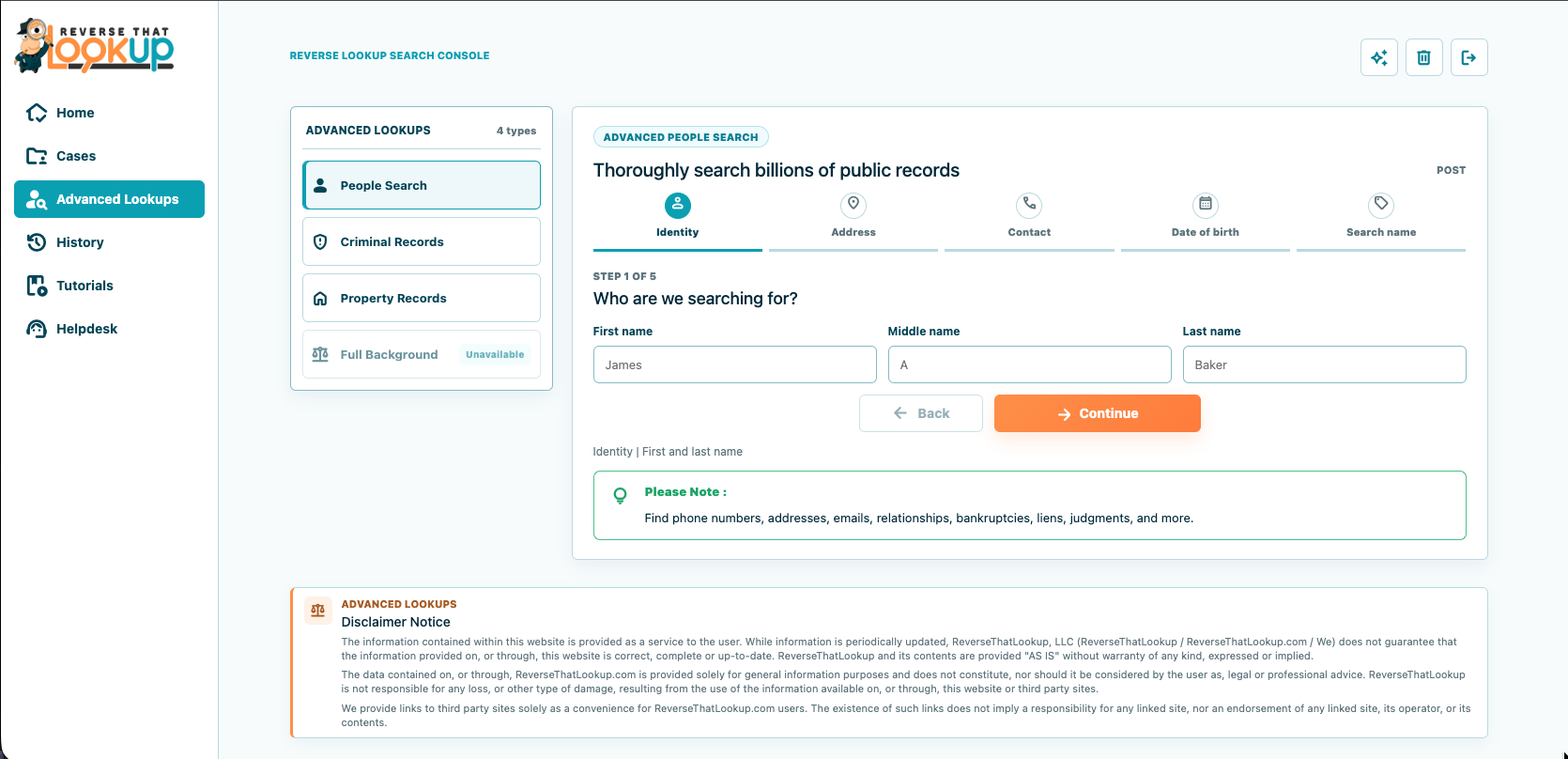
Free results can be enough when the question is simple. You may only need to confirm that a local business number is real, that a relative still lives in the same area, or that a public profile matches the person who contacted you.
Free searches are weaker when names are common, records are old, or the person has moved often. They also tend to show fragments. A fragment can point you in the right direction, but it should not be treated as proof by itself.
If a site shows only vague teasers, slow down before paying. “Possible match” and “report found” do not tell you whether the report is accurate, current, or about the right person.
Free versus paid: choose by consequence
Use free sources when the consequence is small: checking an old city, finding a public profile, confirming a business number, or deciding whether a missed call deserves a response. Free searches can be enough when you only need a low-risk clue.
Consider paid access when the question is complex and you understand the limits. A structured report can save time by grouping possible addresses, names, relatives, numbers, and public records. It still needs review. The more serious the consequence, the more independent confirmation you should require.
Do not pay just because a page says it found urgent information. Decide what you need before the sales page tells you what to fear.
When to use a focused lookup
If you have a specific clue, use the tool that matches it. A people search is a better fit when you have a name plus location or family context. A reverse phone lookup is better when the phone number is the main clue.
That distinction matters in real life. A text from a supposed landlord may include a name, number, and address. Search the number first if the conversation started by phone. Search the name and address if the listing details feel off.
Do not keep searching just because a result is emotionally tempting. If the available data is stale or contradictory, your next safe step may be direct verification through an official channel, not another paid report.
How to judge accuracy
Good results agree across several fields. A name, age range, city, known relative, and phone history that all fit are stronger than a single matching name. Mismatches do not always mean fraud, but they do mean you should pause.
Watch for bundled profiles. A report may blend two people who share a name, lived in the same state, or have overlapping relatives. That can happen with common names, older public records, and reused phone numbers.
Use dates. A current phone number is more useful than an address from ten years ago. A recent social clue is more useful than a stale directory listing that has been copied across many pages.
A practical review scorecard
Use a scorecard before you buy. Give the service one point for each clear answer: what sources it may use, what search types are included, what costs extra, how cancellation works, how support responds, how opt-out works, and what the accuracy disclaimer says.
Then subtract points for pressure tactics. Countdown timers, vague “shocking result” claims, hidden fees, unclear renewal terms, and promises of total accuracy should lower your trust. People-search data is too sensitive for mystery billing or exaggerated certainty.
Also test the service on yourself when possible. If your own report has old addresses, wrong relatives, or disconnected numbers, that tells you how carefully to read other people’s reports. Errors in your own file are not proof the tool is useless, but they are proof that verification matters.
How to read roundups without getting sold
Many comparison pages are written like rankings, but the order may reflect marketing priorities, affiliate relationships, or a narrow test case. Read the criteria, not just the placement. If a roundup praises every tool in similar language, it may not help you choose.
Look for specifics. Does the page explain what search input was tested? Does it distinguish a phone lookup from a full name search? Does it mention limits, opt-outs, stale records, and responsible use? A useful comparison tells you when a tool is not the right fit.
Also check refund and cancellation language before entering payment details. A people-search site can be useful and still have confusing billing. Clear terms, visible support, and plain cancellation steps matter as much as a flashy report preview.
Privacy tradeoffs are part of the decision
People-search data often comes from public records, commercial sources, online profiles, marketing data, and other compiled information. That can make the search useful, but it also raises privacy concerns for the person being searched and for you as the searcher.
Pew Research Center’s work on internet and technology repeatedly shows that online privacy and personal data are major public concerns. That concern fits this category: the same data that helps identify a scammer can expose ordinary people too.
Before using a site, check what information it asks from you, whether it creates an account, how it handles payment, and whether it explains opt-out or privacy controls. A search tool should not require more personal information than the search justifies.
Check your own listing and the removal process
Privacy should be part of your comparison, not an afterthought. Check whether the site explains how data is gathered, how removal requests work, and how long updates may take. A clear opt-out process is a sign that the company understands user concerns.
Also run a self-check. Search your name, phone number, and old addresses to see what appears. If you find exposed details, update original sources where possible and request removal from people-search pages that offer it.
Consumer guidance at consumer.ftc.gov can help if exposed information connects to identity theft, impersonation, or fraud. For business-related concerns, the Better Business Bureau can add complaint and reputation context.
Consumer-safety checks before paying
Look for clear pricing, cancellation terms, refund language, contact information, and privacy policies. Avoid sites that hide the final price until after a long loading screen or make cancellation harder than signup.
The Better Business Bureau can help you review complaint patterns for businesses before you pay. Complaints do not prove every customer will have the same experience, but repeated billing, cancellation, or accuracy complaints are worth noticing.
The FTC consumer site is also useful when a search is tied to a scam concern, such as romance fraud, impersonation, fake rentals, job scams, or unknown payment demands.
What these lookup tools should not be used for
Do not use casual lookup tools to make decisions about jobs, tenants, credit, insurance, or legal eligibility. Those decisions can trigger specific legal rules, and a consumer-facing lookup page may not be built for that purpose.
Do not use a lookup to harass someone, bypass boundaries, or pressure a person who does not want contact. Finding a public detail does not give you permission to use it in a harmful way.
If safety is the issue, document what you found and use the right reporting path. If the issue is curiosity, keep the search narrow and stop when you have answered the practical question.
Gather better clues before you search
A search is stronger when you start with clean inputs. Write down the exact spelling of the name, the city or state, any age clue, the phone number format, the email address, and the username as it appeared. Do not rely on memory if the conversation already feels suspicious.
Save screenshots before a profile changes. Dating profiles, marketplace listings, and social accounts can disappear quickly after someone is questioned. A screenshot gives you a record of what was claimed, even if the profile is later edited.
Keep the search narrow. If the goal is to verify a caller, start with the number. If the goal is to identify a dating profile, start with the username and photo context. Broad searching too early can pull in unrelated people and muddy the answer.
Use results to verify, not to confront
If the report shows a mismatch, slow the interaction down. Ask for a normal verification step, such as a call through an official number, a video chat before meeting, or a corrected business email. You do not need to reveal every detail you found.
Confronting someone with a report can backfire, especially in scams. A dishonest person may change the story, delete accounts, or pressure you harder. Use the result to decide your next safe move.
When money, housing, travel, employment, or personal safety is involved, get confirmation through official records or direct channels. A lookup can raise or lower concern, but it should not be the only evidence behind a serious decision.
How to compare the best options
Skip the biggest headline and compare the fit. Does the site support the type of clue you have? Does it explain what may appear in results? Does it show enough preview context to avoid buying the wrong report?
Read cancellation terms before you enter a card. If a site offers a trial, check whether it renews automatically. Save receipts and confirmation emails until you are sure you are done.
For a no-cost starting point, read best free people search sites.
Frequently Asked Questions
What is the best people search website?
The best site is the one that matches the clue you have and explains its results clearly. A name search, phone lookup, email lookup, and username search answer different questions. Favor accuracy signals, transparent pricing, privacy controls, and results that can be checked against other context.
What is the best free people search site?
The best free option is usually a mix of sources: search engines, public records, social profiles, and limited lookup previews. Free results are useful for early leads, but they can be stale or partial. Verify important details before contacting someone or making decisions.
How do people search websites get information?
They typically compile information from public records, online profiles, commercial data sources, marketing lists, property records, court records, and other databases. Results can be useful but imperfect. Records may be outdated, incomplete, copied from other sources, or mixed with another person who has a similar name.
Are people-search sites accurate?
They can be helpful, but they are not perfect. Results may combine old addresses, relatives, prior phone owners, or people with similar names. Use multiple matching details and official sources before treating sensitive information as confirmed, current, or safe to act on.
How do you search for people on dating sites?
Start with information the person gave you: name, city, phone number, username, photos, or job details. Compare public clues without impersonating anyone or contacting third parties. A people search can help verify consistency, but it cannot prove someone’s intentions alone.
How do you remove data from people search websites?
Start with the site’s opt-out or privacy page, then follow each verification step carefully. You may need to confirm an email address, identify the exact profile, and repeat the process on related sites. Keep records of removal confirmations because data can reappear after future database updates.