
Start with what the person already published. A bio line, a business contact field, a link-in-bio page, or a résumé that reuses the same handle will give you a real address far more often than any paste-a-URL scraper. Work through the public sources in a fixed order, then verify the candidate before you send anything.
Which sources actually turn up an address?
Public contact fields, linked personal sites, speaker pages, and résumés produce real addresses more often than automated “paste a URL, get an email” claims. Private accounts, creator brands that only list booking forms, and platforms that hide contact info will block you by design. If your goal is outreach, prefer channels the person already opened. If your goal is safety, document mismatches between the charming profile and a suspicious payment request. The FTC consumer guidance is the right next stop when money is involved.
When the free checks come back empty but the profile still looks risky, our roundup of reverse email search tools explains which paid services go further and what they can realistically return.
Before you dig, save the profile URL, display name, username, and a copy of the about section text. That packet keeps you honest when later pages use similar names.
Read every public field on the profile
Start on the page itself. Many people still type an address into the bio, the “contact,” “business,” or “about” block, a pinned post, or a highlight labeled booking or press. Expand truncated text. Open the full about panel on desktop if the mobile app hides it. Check story highlights and link-in-bio hubs; those intermediate pages often hold the actual mailto link.
Copy any partial mask (j***@agency.com) into your notes. A mask is not an email you can send to, but it disqualifies wild guesses that do not fit the shape. Also capture phone numbers and physical addresses. Those support a later reverse address lookup if you need identity confirmation rather than outreach.
Ignore DMs that demand you move to email immediately for a prize, invoice, or romance story. Pressure plus a brand-new profile is a classic fraud pattern tracked across consumer complaint channels such as the Better Business Bureau.
Search the username outside the platform
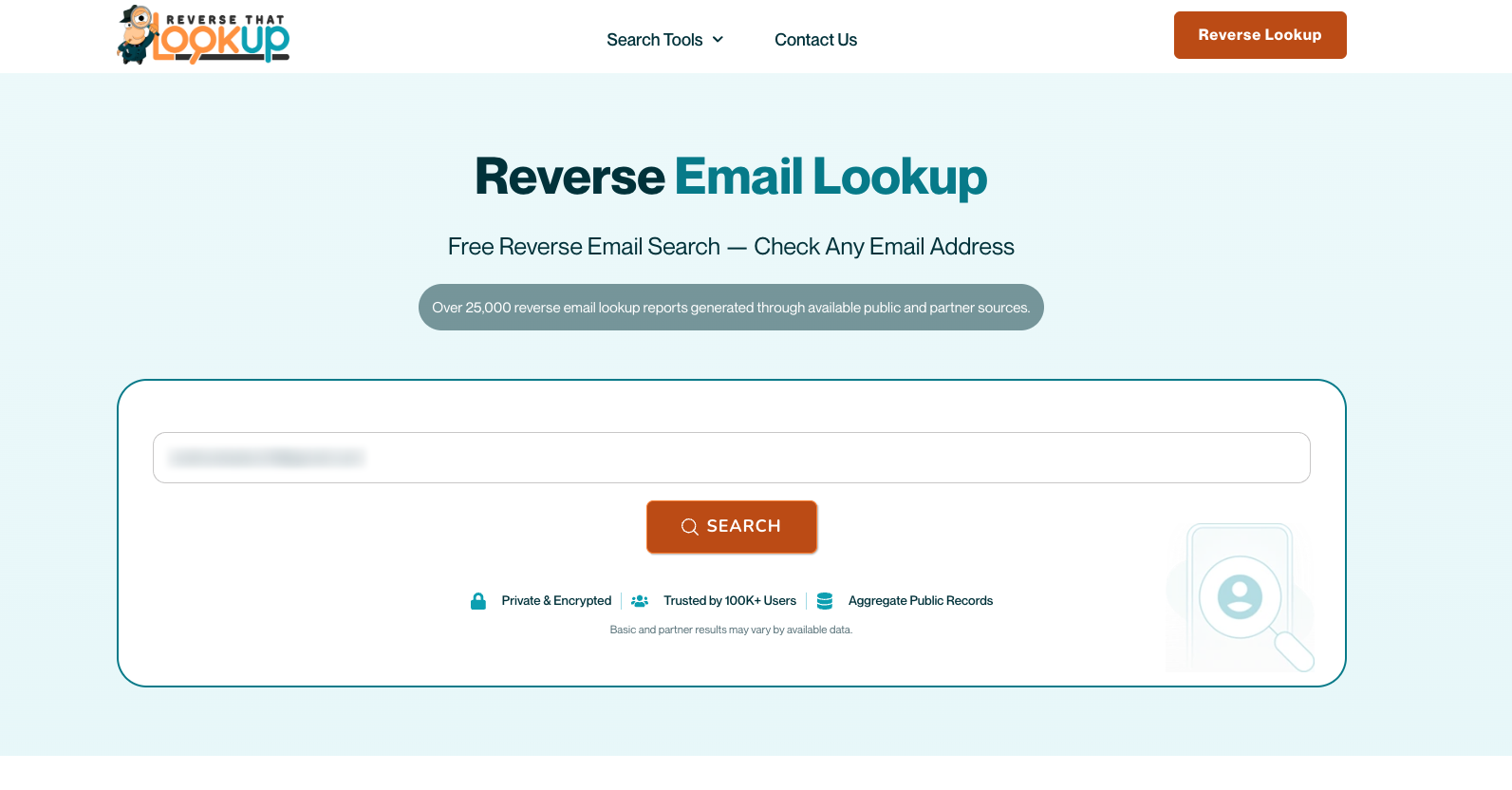
Quote-search the exact handle, then search handle plus “email,” “contact,” and the person’s visible name. Add the platform name if the handle is generic. Old blog comments, meetup speaker lists, GitHub commits, and PDF résumés still index long after someone locked their social contact field.
When results mention a different spelling of the surname, do not merge identities yet. Open the source and look for the same photo crop, employer, or city. A single shared first name online is noise; a shared uncommon handle across two trustworthy pages is signal.
If a result shows the handle used as a mailbox local-part somewhere else, park that candidate and verify it later rather than emailing immediately. Our guide to running a Google reverse email search shows how to quote-search the full address so you can see where else it appears.
| Source on or near the profile | Typical yield | Verification tip |
|---|---|---|
| Bio or about text | Full or partial email | Match name + role on another site |
| Link-in-bio / personal site | Contact page, forms, mailto | Check domain whois only if public |
| Pinned post or highlight | Booking or press address | Confirm it is not a third-party agency only |
| Indexed résumé or talk page | Older personal or work inbox | Test with non-intrusive verification tools |
Use professional profiles without spamming
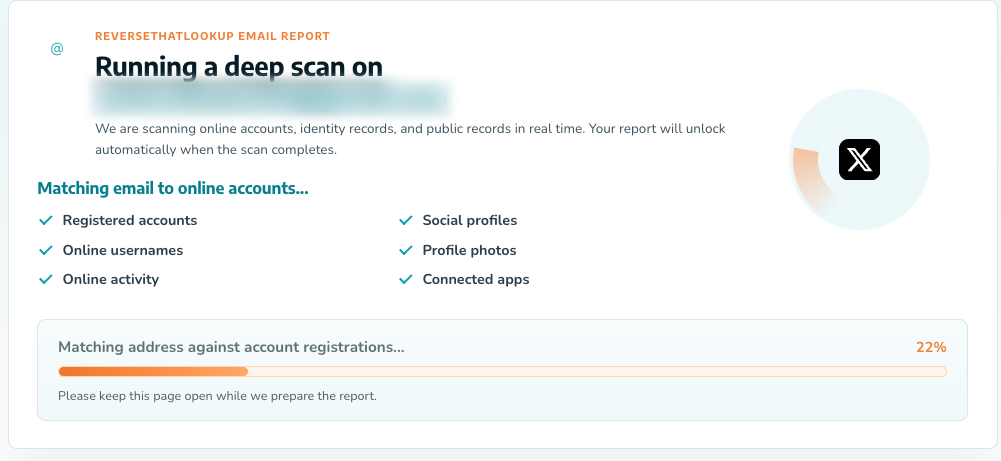
Career networks are often the cleanest place to pick up a trail that began on Instagram or X, because people reconnect their real name to a work history. Open the experience section, note current and prior employers, then look for speaker bios and company team pages that still list an address.
If the profile belongs to someone with a visible career history, our walkthrough on finding contact info on LinkedIn covers the contact panel, connection limits, and what the export actually includes. Do not send dozens of connection requests solely to unlock an email field. That behavior looks automated, burns your account, and is a poor substitute for public sources.
When you only have a company name and a full name, pattern guesses come later, and only with verification. Cold-emailing five invented variants is how deliverability dies and how strangers end up on spam complaint lists.
Build cautious patterns, then verify
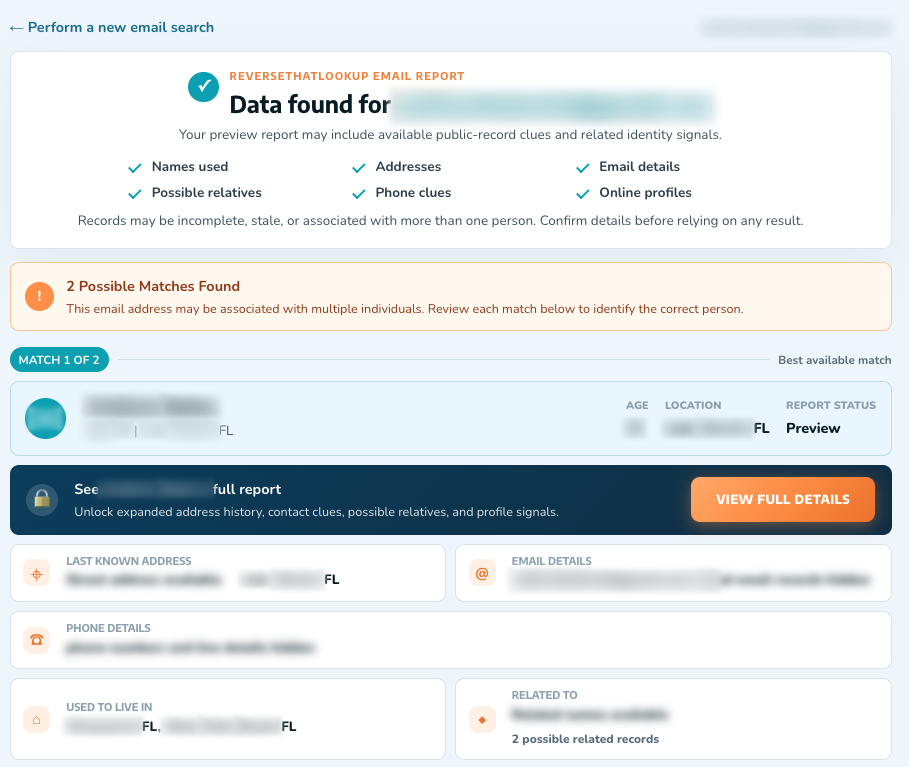
If public pages show firstname.lastname@company.com for colleagues, you may form a single candidate for your person, not a mailbox spray list. Prefer patterns you observed at that employer over generic “everyone uses first last” folklore. Personal domains that match the social brand (name or studio) are stronger candidates than free webmail you invented.
Run candidates through an email lookup and, when useful, a non-sending verification workflow that only checks whether the mailbox looks deliverable. Never use “verify” methods that try to log in, reset passwords, or phish. If verification fails, drop the guess.
Cross-check the local-part against the social username with a username search. Alignment across handle, domain brand, and public bio raises confidence; a random free inbox that only appears in a data broker dump does not.
Confirm ownership before you rely on the address
Send nothing sensitive until ownership is plausible. Signs of a solid match: the address appears on a site that uses the same headshot, the domain matches the company on the résumé, or the person already emailed you from that inbox in a prior legitimate thread. Signs of a weak match: the only “hit” is a people-search page with no photo, or the domain was registered last week for a romance chat.
For ambiguous cases, reverse the problem. Feed the candidate address into a social media reverse email search and check whether it lands back on the same profile you started from, not a stranger with a similar name.
Mini-scenario: a freelancer’s portfolio site lists studio@brandname.com, the Instagram bio uses the same brandname handle, and the LinkedIn headline names the studio. That triangle is enough for a polite project email. A dating profile with no shared brand and a demand to “email me at this new Gmail for gift cards” is not.
Know where to stop
Public research for safety, reuniting contact details someone already shared, or ordinary business outreach is different from scraping private data, buying stolen dumps, or doxxing. Platform terms often restrict automated collection. Harassment, stalking, and fraud facilitation are crimes regardless of how clever the pivot felt.
If you discovered the address because you are assessing a scam, keep the evidence and report rather than engaging. Consumer reporting paths outlined by the FTC matter more than winning an argument in DMs. Once you hold an address and want to go deeper, our guide on how to trace an email address covers the header-level steps that do not belong in a first social scan.
Social platforms change privacy defaults often; research groups such as Pew’s internet and technology hub document how people actually share contact data online. Assume less is visible tomorrow than today, and capture sources while they remain public.
Frequently Asked Questions
How do I find someone’s email from their social media profile?
Read the full profile and link-in-bio destinations first, then quote-search the username and real name for résumés, talk pages, and personal sites. Use professional profiles for employer clues, form at most one careful pattern guess when colleagues’ addresses are public, and verify before sending. Treat every candidate as unproven until two independent sources agree.
Can you find all social media accounts from an email address?
Sometimes reverse email tools and quoted web searches reveal linked profiles, but many accounts hide the inbox entirely. Expect partial coverage, not a complete graph of every network. Confirm with photos, bios, and usernames instead of trusting a single broker row that lists five platforms without evidence.
Do social media email finder tools always work?
No. Many landing pages promise an address from a pasted profile URL, yet private accounts and empty contact fields produce nothing useful. Tools that demand heavy signup data before any result should be treated with caution. Manual public-source checks still outperform a black-box claim when accuracy matters.
Is it okay to guess someone’s work email from their social profile?
A single pattern based on published colleague examples, followed by non-intrusive verification, is common in sales research. Mass-guessing variants, spoofing, or password-reset probes are not acceptable. If the person did not invite contact, prefer in-platform messaging or a public contact form over inventing mailboxes.