
Start with what the person already published, confirm their employer and domain, then verify one candidate before you send anything. That short ladder of checks beats any single app. Free methods such as bios, company pages, search operators, and careful pattern work still do most of the job, and a purchased list you cannot explain does the least. Finding a personal address is a different problem from landing a corporate alias, so match the method to the relationship you actually need.
How these methods are ranked
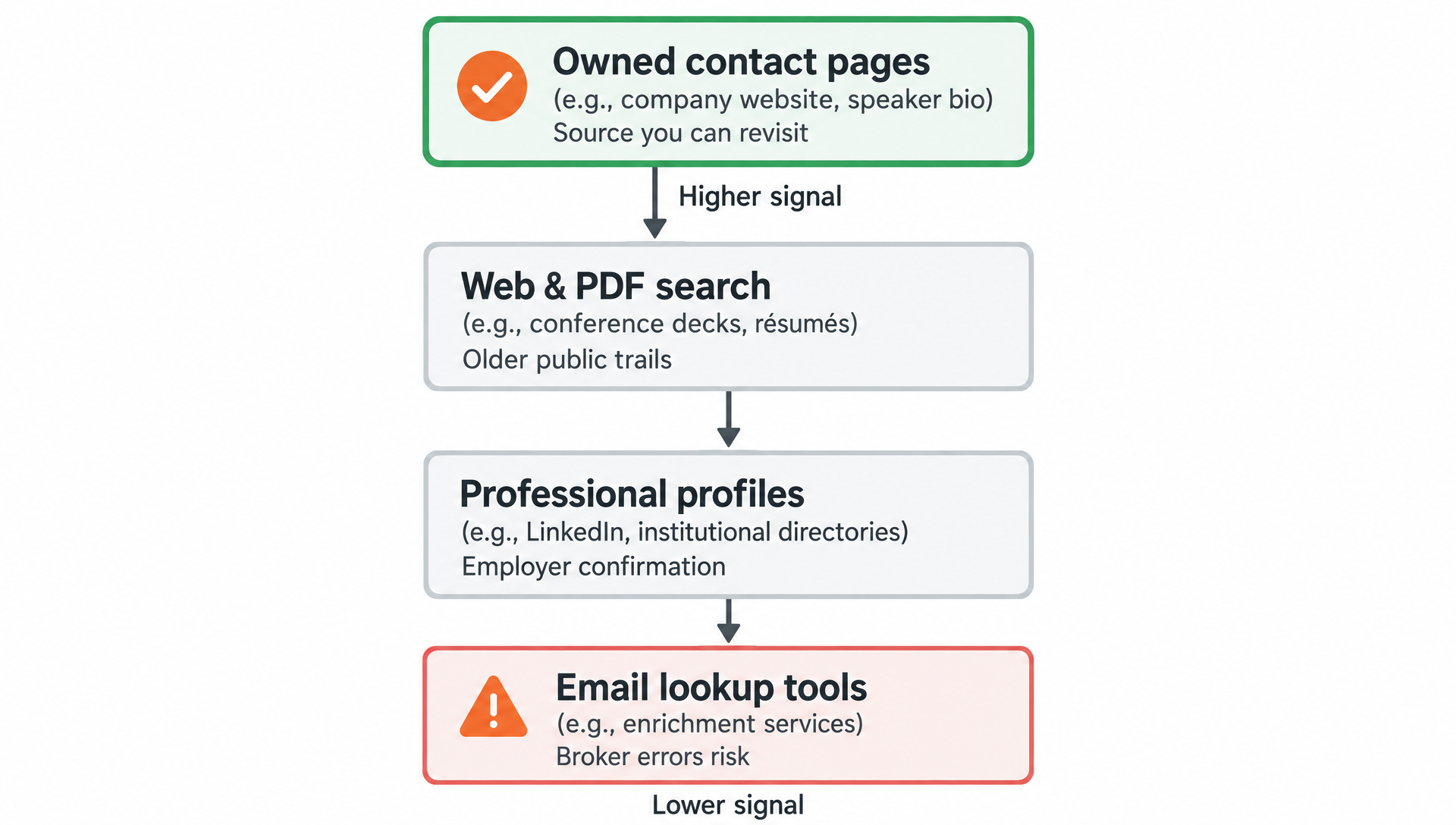
Higher ranks go to methods that produce a source you can revisit, lower ranks to pure guesses. Speed counts only after accuracy. If money or romance pressure appears in the conversation, pause research and use consumer reporting guidance from the FTC instead of chasing a stranger’s inbox for its own sake.
Start with pages they already control
Personal sites, link hubs, speaker pages, and “contact” menus remain the highest-signal free methods. People put an address there because they want certain messages. Capture the full string, the date you saw it, and whether it is role-based (hello@) or personal (name@).
Skim footers and PDF menus; designers hide mailto links in buttons that look like plain text on mobile. If only a form exists, that form is the channel. Do not treat the absence of a visible address as a puzzle you must solve with dumps.
Search the open web with tight queries
Quote the full name with the company, then with likely domains. Add filetype:pdf when you want résumés and decks. A Google reverse email search is for addresses you already hold; the forward direction uses name-plus-context strings instead.
Discard directory pages that list dozens of same-named people with no photo or employer. Those rows create false confidence. Prefer primary sources: universities, conference sites, agency team grids.
Read professional profiles for employer truth
Career networks rarely hand you a mailbox on a silver platter, yet they lock down the employer and title you need for every later step. Use them to avoid emailing someone who left three quarters ago. When contact fields do appear, follow our steps for finding contact info on LinkedIn rather than automating connection spam.
About sections sometimes still show an old personal address under a new job headline. Treat that as a candidate, then verify ownership before you put budget behind a sequence.
| Method | Cost tier | Best use | Main risk |
|---|---|---|---|
| Owned contact pages | Free | Willing contact | Role inboxes only |
| Web & PDF search | Free | Older public trails | Stale results |
| Professional profiles | Free to paid | Employer confirmation | Hidden emails |
| Domain pattern + verify | Free to paid | Corporate outreach | Catch-all false wins |
| Email lookup tools | Freemium | Enrichment & checks | Broker errors |
Sample the company domain before you guess
Find any published staff address at the firm: support pages, press kits, job posts that show a hiring alias. That sample teaches format better than a global “most companies use first.last” myth. Only then build one candidate for your person.
International offices may use different domains than the consumer brand site. Check careers subdomains and legal entity names. Wrong domain, perfect local-part, still fails.
Use an email lookup to enrich and cross-check
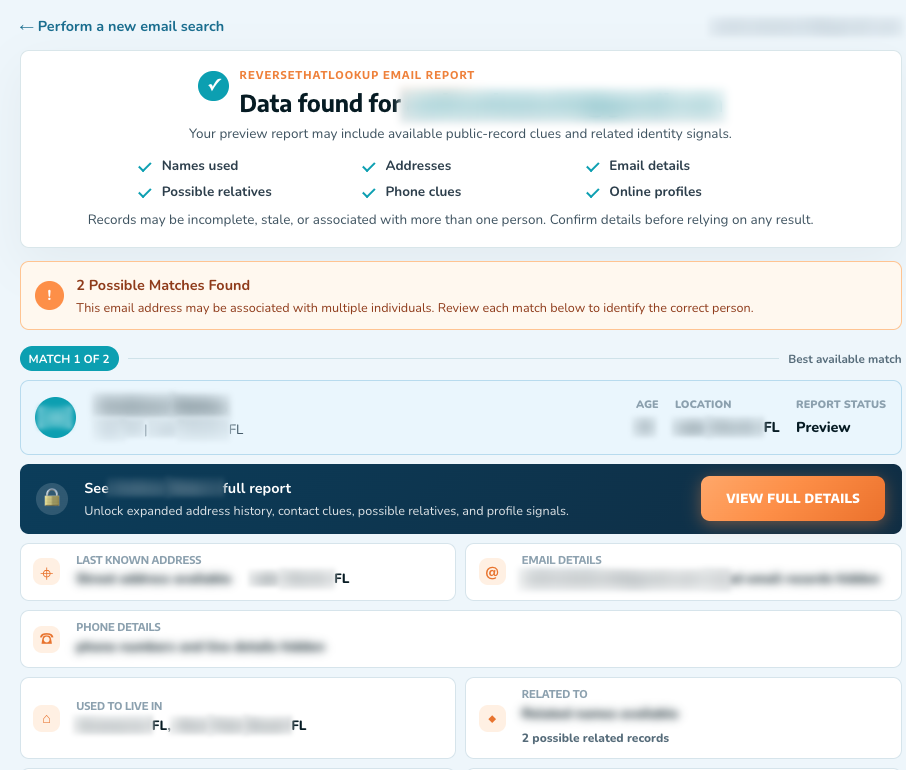
An email lookup helps when you already have a partial trail or need associated records for safety checks. It is also useful after you form a corporate candidate and want a second opinion before sending. Pair tool output with a human-readable source whenever you can.
Compare tools and free tiers using our overview of the best reverse email search tools when your question is “what else links to this inbox?” rather than “what string should I invent?”
Verify without tricking the recipient
Syntax checks catch typos. Mailbox checks catch some dead accounts. Neither replaces judgment when the server is catch-all. Do not run password resets, login probes, or “harmless” multi-variant mail bombs. Those tactics harm deliverability and can look like abuse.
Mini-scenario: two candidates both “verify” at a catch-all domain. Only one appears on a conference PDF with the matching headshot. Send to the PDF-backed address, archive the other.
Trace headers when you already have a message
If the person already mailed you, the most trustworthy address details may be sitting in the headers of that thread: reply-to, originating paths, and forwarding quirks. Our guide on how to trace an email address covers that path without turning you into a network attacker.
When a physical mailing address is the only solid lead, a reverse address lookup can support identity questions. It will not ethically replace consent-based contact preferences people set on purpose.
Know when not to dig
Harassment, stalking, and scraped “exclusive” lists sold without provenance are not research flexes. The scam-avoidance tips published by the Better Business Bureau describe the same pressure and secrecy you see from data sellers who will not explain where a list came from. Online sharing norms also change; topic research from Pew Research is a useful reminder that privacy expectations rise even as tools multiply.
If the use case is scams, document and report. If the use case is ordinary outreach, prefer channels the person published and keep opt-outs real.
Frequently Asked Questions
What is the best way to find someone’s email address?
Begin with contact pages and documents they control, confirm employer and domain, then use at most one evidence-based pattern with verification. Tools help enrich and reverse-check, but a published primary source still ranks first. For personal mail, expect more privacy barriers than for corporate aliases.
Which free methods still turn up real email addresses?
Bios, link hubs, company team pages, conference PDFs, and careful web search still surface real addresses without paid seats. Free tiers of lookup tools can assist, yet they require the same confirmation habits as paid data. Free does not mean “spray every guess until one lands.”
How do I find someone’s personal email without crossing lines?
Look only for addresses the person placed in public or semi-public professional contexts, or that they already used to contact you. Skip credential stuffing, purchased breach dumps, and pretext calls. If nothing public exists, use the messaging channel they enabled instead of manufacturing a mailbox.
Should I buy a bulk email list instead?
Bulk lists often recycle stale rows, inflate bounce rates, and create compliance headaches you cannot defend. Building smaller, sourced lists takes longer up front and performs better in the send. If a vendor will not explain provenance, treat that as the answer.