How to find someone on WhatsApp almost always starts with a phone number saved in the correct international format, then a search inside the app’s new-chat or magnifying-glass UI. WhatsApp is not a public name directory. Without a number—or a mutual group that already includes them—you are reconstructing contact data first, then opening a chat second.
What WhatsApp can and cannot show
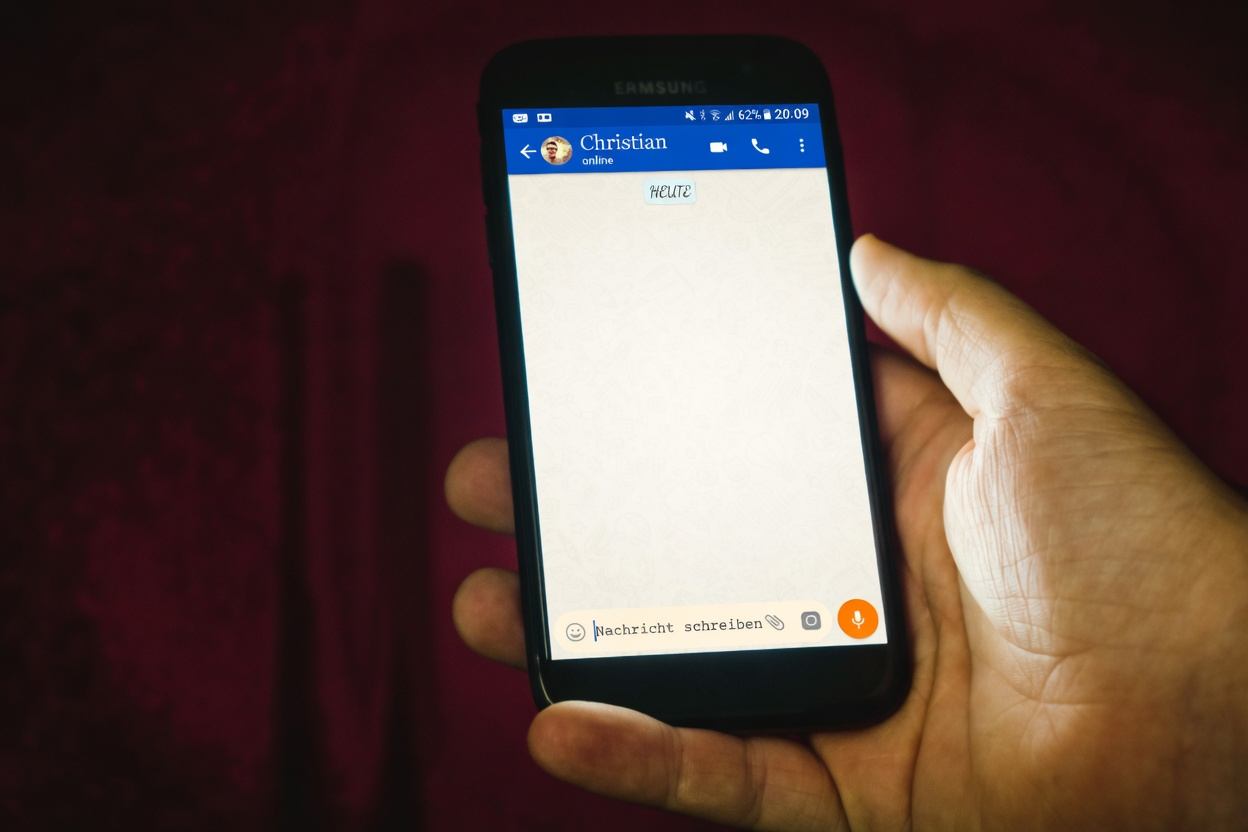
WhatsApp indexes accounts by mobile numbers. If the person registered, uses that SIM-linked number, and has not blocked you, saving the number and searching usually surfaces their profile. If they never installed the app, left the platform, or blocked you, the same steps fail for ordinary reasons—not because you tapped the wrong icon.
Name search only works against chats and address-book contacts WhatsApp already knows about. It will not crawl the global user base for “Maria in Chicago.” When you lack a number, tools like a reverse phone lookup or a broader people search help you recover candidate lines ethically before you message anyone.
Collect the complete number with country code
Write the number in international form: plus sign, country code, then the national number with no trunk zero mistakes. A U.S. line looks like +1 and ten digits; a U.K. line needs +44 with the leading zero dropped from the local format. Partial numbers and old landlines will not resolve to WhatsApp mobile accounts.
Strip spaces and decorative dashes when you save the contact, or keep a clean version in the phone field your OS treats as mobile. If you received the number in a chat screenshot, retype it—OCR errors transpose digits more often than people notice.
Businesses sometimes publish WhatsApp click-to-chat links. Those links already embed the number; you can open them directly rather than re-entering digits, but still verify the domain and context so you are not walking into a phishing page dressed as support.
Save the person in your device address book
WhatsApp reads your phone’s contacts (with permission). Create or edit a contact card with the full international mobile field, a clear display name you will recognize later, and optional company labels if this is work outreach.
Grant contacts permission if you previously denied it; otherwise the app cannot match the account even when the number is correct. On shared family phones, be careful which account is logged in before you sync a sensitive contact list.
Refresh after saving: force-close WhatsApp and reopen, or use the in-app contact refresh control if your version shows one. Sync delays of a minute are common on slow networks.
Search WhatsApp by phone number
On many Android builds, open Chats, tap the new-chat or search control, and type the number or the contact name you just saved. On iPhone, open Chats, tap the compose icon, and search the same way. Select the result that shows the WhatsApp profile path—not a mere SMS fallback if your OS offers both.
Search WhatsApp by phone number fails when the account never existed on that line, the user deleted the account, or you are blocked. A generic “not on WhatsApp” style message is not proof of blocking by itself; it can also mean no account.
Do not spam multi-number guesses hoping one lights up. That behavior looks like harassment and burns trust if you eventually reach the right human. Narrow candidates offline first.
| Situation | What to try | Likely outcome |
|---|---|---|
| You have a mobile number | Save contact → search in new chat | Profile appears if account exists and you are not blocked |
| You only have a name | Search existing chats/contacts; recover number offline | No global directory hit |
| You use WhatsApp Web | Search chats already synced from phone | Cannot invent new contacts without the phone side |
| Message stays one check forever | Consider block, network, or privacy settings | Ambiguous—needs more signals |
| Number from a stranger online | Verify identity before sharing personal data | Scam risk if they push off-platform payments |
Check what a WhatsApp result actually proves
A visible WhatsApp profile does not prove identity. It shows that the number is connected to an account, not that the person messaging you is honest. If the profile photo looks familiar, run a common-sense check: does the name match, does the timing make sense, and does the conversation fit the person’s usual behavior?
A reverse phone lookup can help you review the number outside WhatsApp, especially if the account is tied to an unknown caller, marketplace buyer, or unexpected business contact. If a name appears, a people search can help compare city, age range, or related contact clues.
Keep the standard high when money, romance, job offers, crypto, shipping, or verification codes are involved.
| What you see | What it may mean | What to check next |
|---|---|---|
| Number appears in WhatsApp | The number may have an active WhatsApp account. | Compare profile name, photo, country code, and conversation context. |
| No WhatsApp account appears | The number may be unregistered, formatted wrong, blocked, or private. | Verify the country code and try another official contact method. |
| Business profile appears | The number may belong to a company or seller. | Check the company’s official website and public business listings. |
| Urgent request follows | The account may be used for impersonation or fraud. | Stop, verify elsewhere, and do not send codes or payments. |
Search WhatsApp by name inside your graph
Search WhatsApp by name only scans your local universe: saved contacts, prior chats, and groups. Type distinctive fragments—unique spellings beat first names alone. Filter results carefully when several friends share a name; open the contact info pane and match the number tail before you send anything sensitive.
Group membership is another path. If you share a community, school, or workplace group, open the member list and locate them there, then start a direct chat if their privacy settings allow. Do not scrape group lists for spam.
About text and profile photos are optional user choices. Empty fields are normal privacy settings, not automatic proof you are blocked.
Find someone on WhatsApp from any device
Find someone on WhatsApp from any device still depends on the phone-side account. WhatsApp Web and desktop clients mirror chats after you scan a QR code from the mobile app. You can search existing conversations on the large screen, but adding a brand-new number usually happens on the phone’s contact book first, then syncs upward.
On Android and iPhone, the buttons move slightly between versions, yet the pattern holds: Chats → search or compose → query. Keep the mobile app updated so QR multi-device features and contact permissions behave predictably.
If you switch phones, restore from backup before you decide someone “vanished.” Missing chat history is not the same as a missing account.
Recover numbers when you only know a name

How to find someone on WhatsApp without their phone number is really an offline research problem. Check old SMS threads, email signatures, mutual friends, workplace directories, and prior social bios. For structured leads, run a careful people search, then validate any candidate mobile with a reverse phone lookup for spam reputation and identity consistency.
When multiple numbers surface, prefer lines tied to the right city and age band. Message once with a clear introduction if outreach is legitimate. Demand for gift cards, crypto, or secrecy is a classic fraud pattern flagged across FTC consumer resources—end the chat.
Impersonators sometimes register WhatsApp on numbers that look local. If a “relative” suddenly writes from a new line, verify through a known channel before you accept urgent stories. Public research on how people adopt messaging apps—see topic collections at Pew Research internet and technology—underscores how central these apps are to daily life, which is exactly why scammers counterfeit them.
Use other phone lookup methods when needed
A WhatsApp phone number check can show account presence, but it is not a full identity check. If you are trying to identify an unknown number, compare several sources. Start with how to look up a phone number, then try Google phone number lookup for public web mentions.
If you need more structured comparisons, review free phone number lookup options and reverse phone lookup services. The best path depends on whether you are checking a personal contact, business, seller, or possible scammer.
For a personal contact or a seller, the number may also lead to other profiles, and finding social media by phone number explains when a Facebook search surfaces linked accounts.
Interpret blocks, privacy limits, and dead ends
Blocking is intentionally subtle. Clues can include last-seen disappearing when it used to show, profile photo vanishing, and messages never gaining a second check—yet privacy settings produce similar effects. Avoid obsessive testing that borders on harassment.
If you only need to confirm a business line, use official click-to-chat links published on the company’s site rather than numbers from random ads. Complaint patterns around fake support accounts show up in consumer bureaus such as the Better Business Bureau; treat unsolicited WhatsApp “agents” as hostile until proven otherwise.
Stop when the person declines contact. Finding a channel is not a right to unlimited messages. For safety reconnection—family, lost friends—one polite note is enough.
Protect your own number and never share a verification code
Open WhatsApp settings and review the phone number shown on your account profile. If you recently changed numbers, confirm that contacts are seeing the right account and that old devices are no longer linked. Also review linked devices inside WhatsApp so you know where your account is active.
If you receive a verification code you did not request, do not share it. Someone may be trying to register your number or take over an account. A legitimate support agent, friend, buyer, or employer does not need your one-time code.
If an unknown WhatsApp contact pressures you to invest, pay fees, move a marketplace transaction off-platform, or keep the conversation secret, slow down and verify through a channel you already trust.
The same caution applies to voice calls with no visible number, and knowing the difference between an unknown caller and a private number helps you decide whether to pick up.
Follow safety rules for unknown WhatsApp numbers
Do not send money, gift cards, crypto, banking details, or verification codes because a profile looks familiar. Call the person through a known number, check an official website, or ask for confirmation through an account you already trust.
Be careful with emotional urgency. “I lost my phone,” “this is my new number,” and “please do not tell anyone” can be legitimate, but they are also common impersonation setups. Make one separate verification attempt before helping.
Frequently Asked Questions
How do you find someone on WhatsApp without their phone number?
WhatsApp will not search the world by name alone. Recover a mobile number from mutual contacts, old messages, public business pages, or lawful people-search tools, save it with the country code, then search inside the app. If no valid mobile exists, you cannot force a WhatsApp profile to appear.
How do you check whether a phone number is on WhatsApp?
Save the number with the correct country code, open WhatsApp, and search for the contact or start a new chat. If the number is registered and visible, it may appear. Absence does not always prove there is no account, because formatting, privacy, or account status can affect results.
How can you tell whether someone blocked you on WhatsApp?
There is no official “blocked” banner. Combined clues—profile photo gone, last seen hidden after it was visible, single checks that never advance—may suggest a block, but strict privacy settings look similar. Do not create fake accounts to test; that escalates the situation and can violate platform rules.
How do you find someone on WhatsApp by name?
Use the in-app search over your chats and synced contacts. Name search does not query every WhatsApp user globally. If nothing appears, you need the number or a shared group membership, not a different spelling of the first name alone.
How do you check your phone number on WhatsApp?
Open WhatsApp settings and look at the phone number attached to your account. Review linked devices too, especially if you suspect unauthorized access or a shared device problem. If you get a verification code you did not request, do not share it with anyone.
Can you see someone’s birthday on WhatsApp?
Only if they choose to share something like that in profile fields, status content, or conversation—and many users share nothing. WhatsApp is not a public records birthday database. For identity verification in serious matters, rely on stronger documents and official sources rather than chat app profile decorations.