


How to Delete Facebook Account
How to delete facebook account access starts in Facebook’s Accounts Center: open Settings, choose Personal details, select Account ownership and control, then choose Deactivation or deletion. Pick the profile, select Delete account, and follow the prompts. Download anything you want first because deletion is meant to be permanent.
Deleting and deactivating are not the same decision. Deactivation is a pause. Deletion is the exit. If you are unsure, deactivate first and use that time to review photos, groups, Messenger history, connected apps, and login dependencies.
A common scenario is less dramatic than a big privacy crisis: you stop using Facebook, forget the password, and the account keeps showing old photos, employer details, and friend connections. That stale profile can still shape your digital footprint. A username search or people search can help you see what old profile clues may still be visible around your name.
Delete vs. Deactivate: Choose the Right Option
Deactivation hides your profile from most public viewing and lets you return by logging back in. It is useful when you need a break, want fewer notifications, or want to test life without the account before making a permanent choice.
Deletion starts a removal process for the account and timeline content. Facebook’s help page explains the current path for deleting or deactivating an account at Facebook Help. Menus can move, but the core decision remains account ownership and control.
| Choice | Best For | What Others See | Can You Come Back? |
|---|---|---|---|
| Deactivate | A temporary break | Profile is hidden from most places | Yes, by logging back in |
| Delete | Leaving Facebook permanently | Timeline content is removed over time | Only during the cancellation window |
| Download first | Saving photos and records | No public change by itself | Yes, it is just preparation |
| Review connected apps | Avoiding login problems | No public change by itself | Yes, update accounts before deleting |
Check Your Security Before You Leave
Before deleting, change the password if the account has been dormant, shared, or reused elsewhere. Turn on two-factor authentication while you work through the export and settings review. That prevents someone else from logging in during the period when you are trying to close the account cleanly.
Review active sessions and devices. If you see old phones, browsers, or locations you do not recognize, log them out. A stale Facebook account can still be useful to someone trying to impersonate you, message your friends, or reset accounts connected to your profile.
Update the email address on any service where Facebook was your recovery path. A surprising number of accounts depend on old social logins. Fixing them before deletion is much easier than trying to prove ownership afterward.
What to Save Before You Delete
Before you delete, download a copy of the information you may want later. That can include photos, videos, posts, comments, profile information, event history, marketplace messages, and pages you managed. Do not assume you will remember what mattered after the account is gone.
Check admin roles for Pages, groups, ads, or business assets. If you are the only admin, deletion can create headaches for a club, business, school group, or family page. Add another trusted admin before you leave.
Review accounts where you used Facebook as the login button. Streaming apps, shopping accounts, games, and community tools may need a new password or email login. Fix those first. Otherwise, deleting Facebook can lock you out of unrelated services.
Back Up Photos and Contacts Carefully
Photos are the item people most often miss. Download albums, but also check tagged photos, shared albums, old cover photos, and images sent in messages. If a photo matters for family history, store it somewhere you control before the account enters deletion.
Contacts are different. Do not scrape or republish other people’s private details just because you can see them in Facebook. Save the direct contact information people have already given you permission to use, and ask for an updated number or email when needed. Keep the archive file in a private folder, not a shared downloads location, and rename it so you can find it later without opening every file. Store a second copy offline if possible.
How to Delete Facebook on Desktop
On a desktop browser, log in to Facebook and open your profile menu. Go to Settings & privacy, then Settings. From there, open Accounts Center, choose Personal details, and select Account ownership and control.
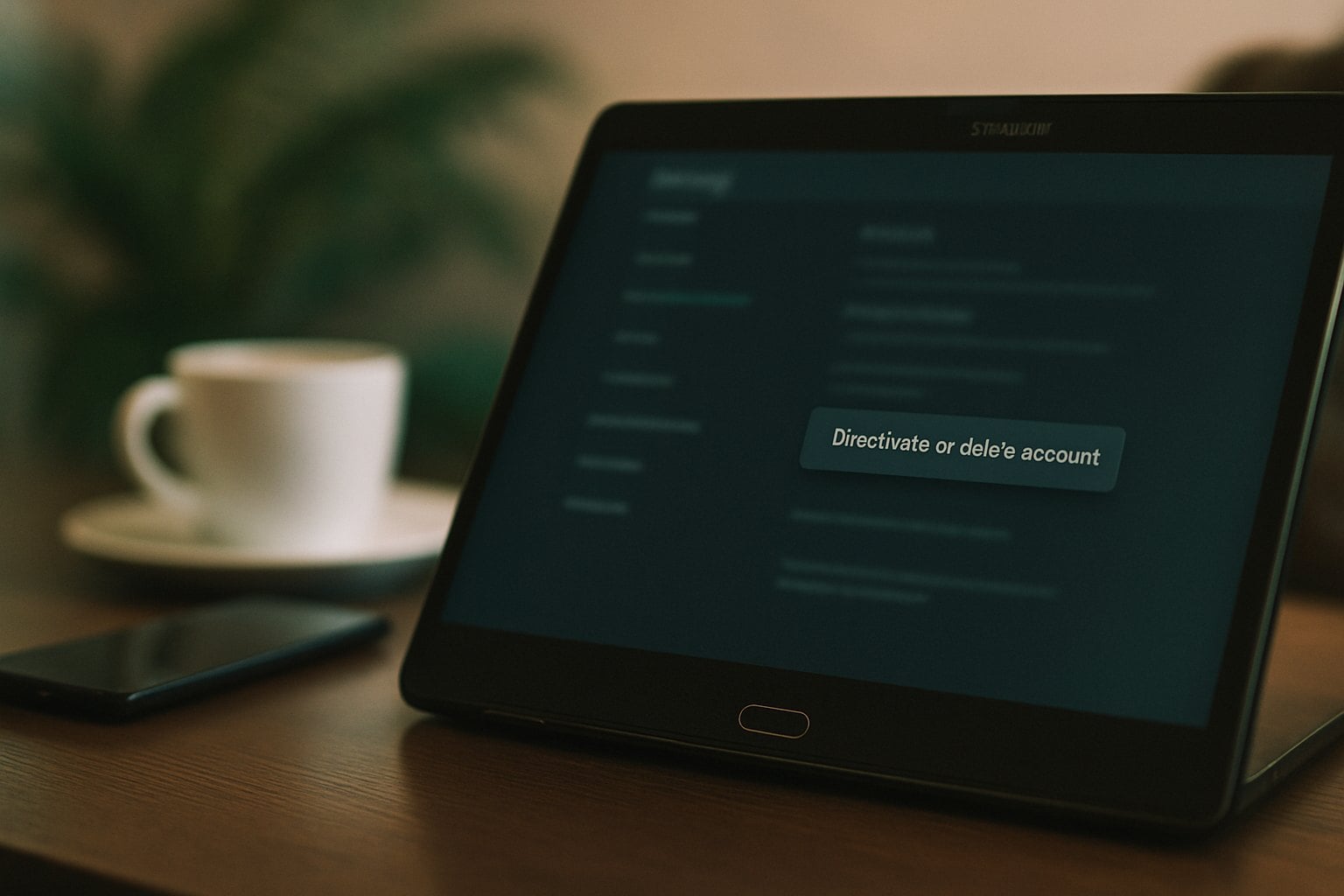
Choose Deactivation or deletion, select the account or profile, then choose Delete account. Facebook may ask for a reason, show alternatives, and require your password. Read the final screen carefully before confirming.
If the menu names differ, use Facebook’s settings search for “deactivation” or “deletion.” Platform menus change, and accounts may look different depending on whether they are connected to Instagram or other Meta profiles.
How to Delete Facebook on iPhone
To delete facebook on iphone, open the Facebook app, tap the menu, and go to Settings & privacy. Open Settings, then Accounts Center. Tap Personal details, then Account ownership and control.
Choose Deactivation or deletion, select the Facebook profile, and choose Delete account. Continue through the prompts and confirm only after you have saved what you need. If you use Messenger heavily, check message access before deciding.
The same general path applies on Android, though menu placement can vary by app version. If you cannot find it, update the app or use a browser. The setting belongs under account ownership, not ordinary notification settings.

How to Delete or Deactivate From a Mobile Browser
If the app feels confusing, use a mobile browser instead. Log in at Facebook, open the menu, and look for Settings and privacy. From there, use Accounts Center and follow the same Personal details path.
A browser can be useful when the app is outdated or when multiple profiles are connected. It also gives you a clearer chance to copy links, open help pages, and check downloads. Do not start the final deletion step until your archive has finished preparing.
If Facebook asks you to resolve security checks, complete them through the site you opened yourself. Do not follow a deletion link from an email or text claiming to be Facebook. Fake account-warning messages are common phishing lures.
How to Deactivate Instead
Use the same Accounts Center path, but choose Deactivate account instead of Delete account. Deactivation is better when you want privacy and quiet without losing the account permanently.
After deactivation, your profile is generally hidden and people cannot browse your timeline. Some information can remain visible, such as messages you already sent to other people. If you log back in, the account can reactivate.
Deactivation does not clean up every trace of your online life. It is a visibility change for Facebook, not a full digital footprint cleanup. Pew Research’s internet and technology work at Pew Research is a useful reminder that social accounts sit inside a larger set of online habits.
After You Delete Facebook
What happens when you delete facebook depends on timing. During the cancellation window, logging back in may let you cancel deletion. After that window, you should assume access is gone and recovery is not available.
Your timeline content is removed, but some information may remain outside your profile. Messages you sent to friends may still exist in their inboxes. Screenshots, search engine snippets, and copied posts are outside Facebook’s direct control.
Facebook may also need time to remove backups. That does not mean your account works normally during the process. It means deletion is not always instant at the infrastructure level.
Messenger, Groups, and Marketplace Details
Messenger can complicate the decision. Messages you sent may remain visible to recipients even after account deletion. If a conversation contains addresses, payment details, or sensitive photos, ask the other person to remove their copy too when that is appropriate.
Groups and Marketplace deserve a separate check. Save receipts, tracking numbers, seller conversations, or buyer details before you leave. If you manage a group, transfer responsibility before deletion so members are not left without moderation.
Events can also matter. Export dates, addresses, ticket details, or organizer contacts if Facebook was your only record. Once you leave, you should assume those convenience records will no longer be easy to retrieve.
Tell People What Changes
If friends or customers used Facebook to reach you, give them a safer replacement before you leave. That might be an email address, phone number, business website, or another social profile you actually maintain. Clear alternatives reduce confusion.
This matters because scammers exploit silence. If people expect to hear from you on Facebook and a fake profile appears later, they may trust it. A short note before leaving can make impersonation less believable.
Privacy Steps After Leaving Facebook
Deleting a Facebook account is one privacy step, not the whole project. Search your name, usernames, old email addresses, and phone numbers. Remove abandoned profiles where you can, and tighten privacy settings on accounts you keep.
Watch for impersonation. If someone creates a profile using your photos or name after you leave, document it and report it through the platform. The FTC consumer site has guidance on scams and identity misuse, including what to do when someone pretends to be you.
Tell close contacts how to reach you elsewhere. That reduces the chance that a fake account or suspicious message becomes believable simply because people are unsure where you went.
Clean Up What Search Engines Can Still Show
Deleting Facebook does not instantly update every search result. Search engines can show old snippets, cached titles, or image results for a while. If something sensitive appears after deletion, use the search engine’s removal tools where available and document what you requested.
Search your name with your city, workplace, old school, and common username. Check images as well as web results. You may find old public posts, event pages, tagged photos, or profile fragments that need separate attention.
Do the same for usernames you used across platforms. If the same handle appears on Facebook, Instagram, forums, and shopping profiles, it can connect parts of your life that you meant to keep separate. Changing or retiring old usernames may reduce that connection.
Common Mistakes to Avoid
Do not delete before downloading your information. Do not assume deleting Facebook deletes every photo someone else saved. Do not forget connected apps. These are the three mistakes that cause the most regret after the final confirmation.
Avoid logging back in casually during the cancellation window. If Facebook offers a cancel deletion option and you accept it by mistake, you may restart the process. If you are committed to deletion, remove saved passwords and app shortcuts so muscle memory does not undo the request.
Keep a record of the deletion date and the email address tied to the account. If a profile appears later, you will want to know whether it is the old account, a reactivated account, or an impersonation using your name and photos.
Frequently Asked Questions
How to delete facebook account?
Open Facebook settings, go to Accounts Center, choose Personal details, select Account ownership and control, then choose Deactivation or deletion. Pick your profile, select Delete account, and follow the prompts. Download photos, check connected app logins, and review Pages or groups before confirming.
How to delete a facebook account?
The current deletion path runs through Accounts Center rather than a simple profile button. Use Settings and privacy, open Accounts Center, choose Personal details, then Account ownership and control. Select Deactivation or deletion, choose the account, and confirm Delete account after saving anything important.
How to delete my facebook account?
Before deleting your own account, save a copy of your information and update any services that use Facebook login. Then use Accounts Center to choose Delete account. If you are unsure, deactivate first so you can test the break without immediately losing access.
What happens when you delete facebook?
Your profile and timeline content are removed over time, and you lose access after the cancellation window closes. Some messages you sent may remain in other people’s inboxes. Deletion also can affect apps or websites where you used Facebook to log in.


