
Learning how to detect hidden cameras is a layered privacy check—not a single app miracle. You combine a physical sweep of likely hiding spots, light and infrared tricks with a phone, a hard look at the local network, and calm documentation if something looks wrong. No method catches every offline recorder, so stacking methods is the point.
Set expectations before you start sweeping
How to detect hidden cameras in a hotel, short-term rental, locker room adjacent space, or private home starts with time and light control. Give yourself ten uninterrupted minutes. Close curtains, kill main lights when you need darkness, and work methodically from eye-level sightlines toward ceilings and floor clutter.
You are hunting lenses, power sources, and wireless chatter—not “vibes.” A smoke detector that looks factory-normal and matches others on the hall is weaker evidence than a brand-new detector aimed at the bed. Keep photos as you go so you do not rely on memory after adrenaline spikes.
If a host or stranger becomes aggressive about your sweep, leave. Privacy checks should not require confrontation. Consumer safety guidance from the FTC is built around documenting problems and using official channels—same energy applies when surveillance feels nonconsensual.
Map common hidden camera locations first

Begin with common hidden camera locations that face beds, showers, toilets, changing areas, and desks where laptops open. Think clock radios, USB chargers, power strips, surge protectors with extra “eyes,” tissue boxes, picture frames, mirrors, air purifiers, lamps, stuffed toys, coat hooks, and smoke or CO detectors that look newer than the room.
Stand where a victim would undress or sleep. Ask what angle would capture that spot. Follow that imaginary cone to shelves, vents, and high corners. Cameras want a view and either battery life or constant power; that pair of needs shrinks the map.
Bathrooms deserve extra patience: hooks, exhaust vents, toiletry baskets, and behind the faucet deck. In living rooms, check TVs and streaming sticks only after personal spaces—people hide lenses where embarrassment is highest.
Inspect objects, cables, and fresh hardware
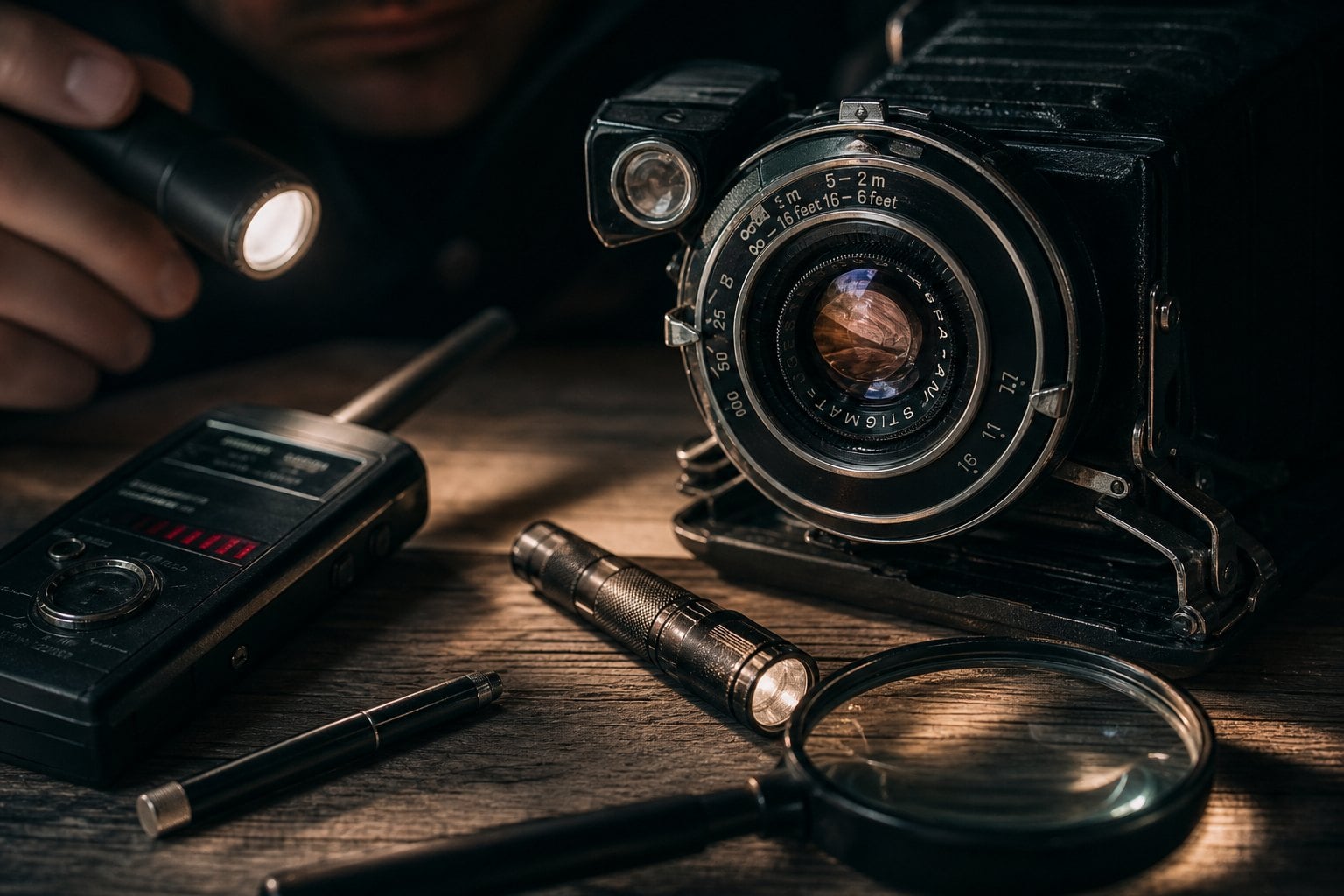
Pick up clocks and chargers when you can do so without damaging property. Look for pinholes, asymmetric seams, or glass glints that do not belong. Follow cables: a charger that needs two bricks, or a cable disappearing into a false base, is worth a closer look.
Feel for warmth on devices that should be cold. Listen for faint motor or fan noise in cheap wireless units. Note anything aimed oddly—an alarm clock on a bookshelf facing the mattress instead of a sleeper’s side table.
Two-way mirror checks are imperfect but quick: knuckle-tap for hollow resonance, or press a fingertip to the glass—if a clear gap appears between fingertip and reflection, it may be a normal mirror; if the fingertip meets the reflection with almost no gap, treat it as suspicious and avoid changing in front of it until you know more.
| Check | What you look for | Limit |
|---|---|---|
| Location map | Bed, bath, desk sightlines | Misses creative low angles |
| Physical inspect | Pinholes, extra cables, heat | Sealed fixtures hard to open |
| Flashlight sweep | Lens reflection in dark | Matte housings, odd coatings |
| Phone IR test | IR LEDs glowing on camera view | Some phones block IR; some cams stay dark |
| Network review | Cam-like device names | Local SD recording shows nothing |
| RF detector | Transmit spikes while scanning | Noise, false positives, passive cams |
Sweep with a flashlight for lens glare
Darken the room. Hold a bright flashlight beside your temple and scan slowly across shelves, detectors, and electronics. Camera lenses often return a small bright reflection—different from matte plastic. Move your head a few inches; real lens glints shift in a characteristic way.
Work high corners and the wall opposite the bed. Do not rush. If you see a suspicious glint, photograph it with flash and without before you touch anything. Mark the object in your notes rather than dismantling a rental fixture on impulse.
This is one of the better phone-free answers to how to find hidden cameras when you have only pocket tools. It fails on well-hidden matte assemblies, which is why you continue to network and infrared checks.
Try infrared hidden camera detection with your phone
Many night-vision cameras emit infrared light invisible to your eyes. Some phone cameras—especially front sensors on certain models—can see a faint purple or white glow from those LEDs in a dark room. Point the phone at suspects, watch the screen, and pan slowly.
Test your phone first with a known IR remote: press a button while watching the emitter on-screen. If you see flashes, your sensor can help. If you see nothing, your phone may filter IR; skip this step rather than trusting a false all-clear.
Infrared hidden camera detection does not catch every unit. Some cameras use very little IR or record without illumination. Combine the phone pass with the flashlight pass instead of treating either as final.
Review Wi-Fi devices and guest network names
Log into the router admin page if you own the network. On travel networks you do not control, use the phone’s Wi-Fi list and any host-provided network map only as soft clues. Look for device names that scream camera gear: strings with CAM, IP-CAM, IPC, ESP32, or generic Chinese OEM labels you do not recognize.
A device you cannot identify is not automatic proof of spying—smart plugs and bulbs look weird too. Correlate odd network names with odd physical objects in the same room. Power-cycle a suspect only if you own the space; in rentals, prefer documentation over experiments that brick a host’s gear.
Remember offline recorders writing to microSD never join Wi-Fi. Empty network lists do not mean empty rooms. That limit is why physical inspection stays mandatory.
Add RF scanning only after the basics
Handheld RF detectors scream at baby monitors, Bluetooth beacons, and your own phone. Use them as a secondary sweep: move slowly, note spikes near specific objects, then confirm with eyes and light. Sweep with your phone in airplane mode to cut self-noise.
Cheap detectors create false confidence. Expensive ones still miss passive cameras. If you buy a tool, practice at home on a known webcam so you learn what a hit feels like before you travel.
Document findings and choose a safe response
If you believe you found a camera, stop rearranging the scene. Photograph and video the object in place, including wide shots that show its aim. Leave if you feel unsafe. Contact local law enforcement for nonconsensual recording in private spaces; laws vary, but evidence quality matters.
Notify the platform or hotel in writing with timestamps. Do not livestream a confrontation. If a host calls from an unknown number about your complaint, verify identity before sharing details—use a reverse phone lookup when a stranger demands immediate voice contact.
For longer-term harassment tied to a person rather than a gadget, identity tools such as a people search may help you understand who has access to the property. That is separate from the on-site sweep and should not delay leaving a dangerous room.
Afterward, tighten your own habits: lens covers on personal devices, careful packing of chargers you trust, and skepticism toward “free” electronics left in sleeping spaces. Digital life research hubs like Pew’s internet and technology topic pages keep showing how quickly consumer gadgets outpace everyday privacy literacy—your checklist is how you catch up in one room at a time.
Frequently Asked Questions
How do you detect a hidden camera?
Use stacked checks: map sightlines, inspect likely objects and cables, sweep with a flashlight for lens glare, test for infrared emitters with a compatible phone camera, and review network device names when you can. Confirm suspicions with photos. No single gadget replaces a careful physical pass, especially against offline recorders.
How do you detect a hidden camera with a mobile phone?
Darken the room and use the camera to look for infrared LED glow from night-vision units after verifying your phone can see an IR remote. Use the flashlight for reflections, and scan Wi-Fi lists for cam-like names. Phone apps that promise miracle detection are optional at best—your eyes and method matter more.
How can you detect hidden cameras in your home?
Walk bedrooms, baths, and offices on a schedule, especially after guests, contractors, or new gadgets arrive. You control the router, so review connected devices regularly and label what you own. Recheck smoke detectors and decor after anyone else has had unsupervised access.
Can a cell phone find every hidden camera?
No. Phones help with IR glow, photos, flashlights, and network screens. They miss many passive or well-shielded devices. Treat the phone as one tool in how to detect hidden cameras, not as a full security team in your pocket.